Voice notes
Record onto the board. Transcribe when you want it, into a note beside it.
Drag Voice out of the toolbar and press record.
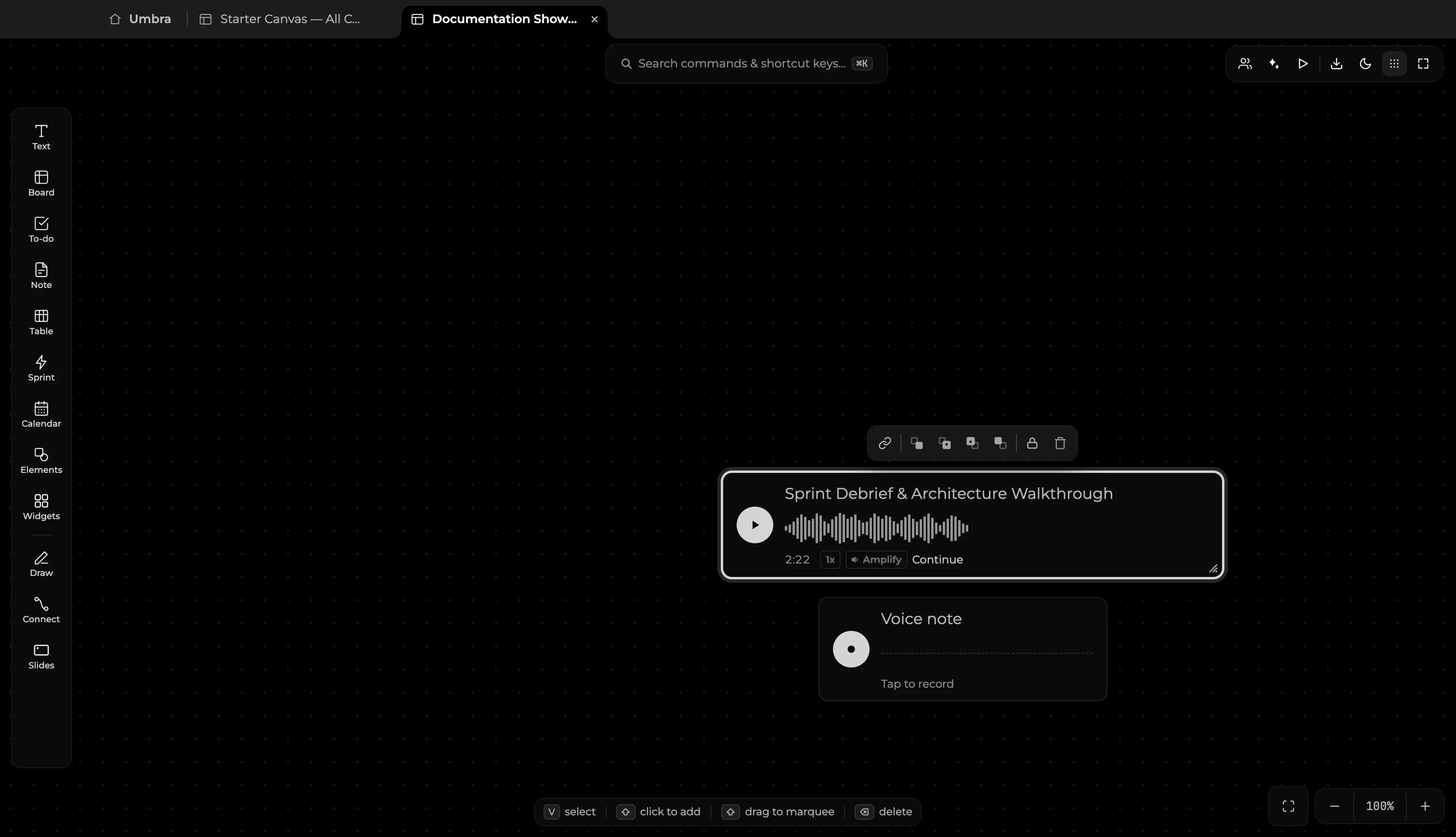
Press the record button to capture voice memos, meeting notes, lectures, and spontaneous thoughts directly onto your canvas. The live waveform visualizes audio levels, and recordings are saved safely to your local workspace for instant offline playback. During playback, you can adjust playback speed (1x, 1.5x, 2x) or enable audio amplification for low-volume recordings.
Transcription
Transcription is on demand. Press Transcribe and the transcript arrives as a fresh note placed beside the recording — searchable, editable, and readable by the AI like any other writing. It is not hidden on the voice block, because text on a voice block is none of those things.
What we cannot promise yet
Transcription asks the AI CLI you have configured. Not every CLI can read an audio file — most handle text, images and PDFs only. If yours cannot, the note says so plainly and your recording is untouched. Everything else about a voice note works with no network at all.
Permission
macOS asks for the microphone the first time you record. Umbra records only while you hold the button down and stores the file locally; nothing is uploaded anywhere.