Sheets
A real spreadsheet on the canvas — formulas, ranges and multiple sheets.
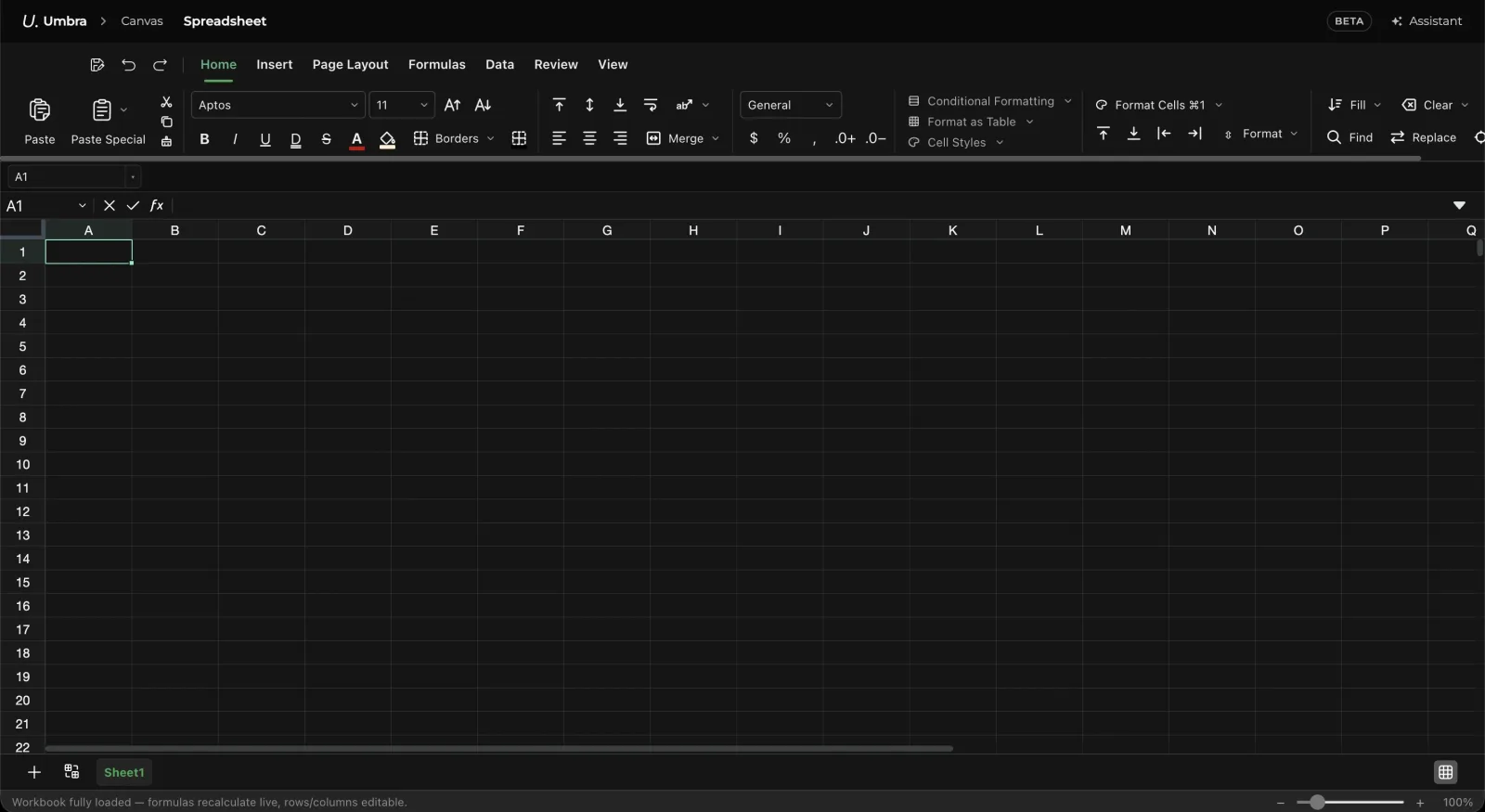
A table on the canvas is a small grid you can type into. Open it and it is a spreadsheet.
Formulas
453 functions, A1 references, ranges and cross-sheet references. Type = and the formula bar
lights up.
Pointing at cells
While a formula is open, clicking a cell inserts its reference instead of moving the selection. Drag to insert a range. The picked cells outline in the accent while you point at them.
The rule that makes this feel right: clicking a second cell with nothing typed in between
replaces the reference you just picked rather than appending to it — because clicking the
wrong cell is the most common thing that happens, and =A1B2 is never what you meant. Type an
operator first and the next click appends.
Arrow keys extend the reference in the same mode. Enter commits, Escape cancels.
The grid
- Rows and columns up to Excel's limits, with no cap of our own below them.
- Freeze panes, merge cells, sort, filter, number formats and conditional fills.
- Multiple sheets, with tabs along the bottom.
- Import CSV by dropping one on the canvas — Umbra asks whether you want a sheet or a file.
- Export CSV from the sheet toolbar.
On the card
The canvas card shows the sheet's values, not its formulas — until you select it, when the cell under the caret shows its source. A card is something you glance at across a board; the formula is what you look at when you are in it.