Boards and nesting
A board is a canvas that lives on a canvas, which is how a plan stays readable as it grows.
The problem with an infinite canvas is that it is infinite: after a month it becomes a wall of stickies nobody can read. Umbra's answer is that a board is itself an element. Drop one on a canvas, drill into it, and you have a fresh surface:
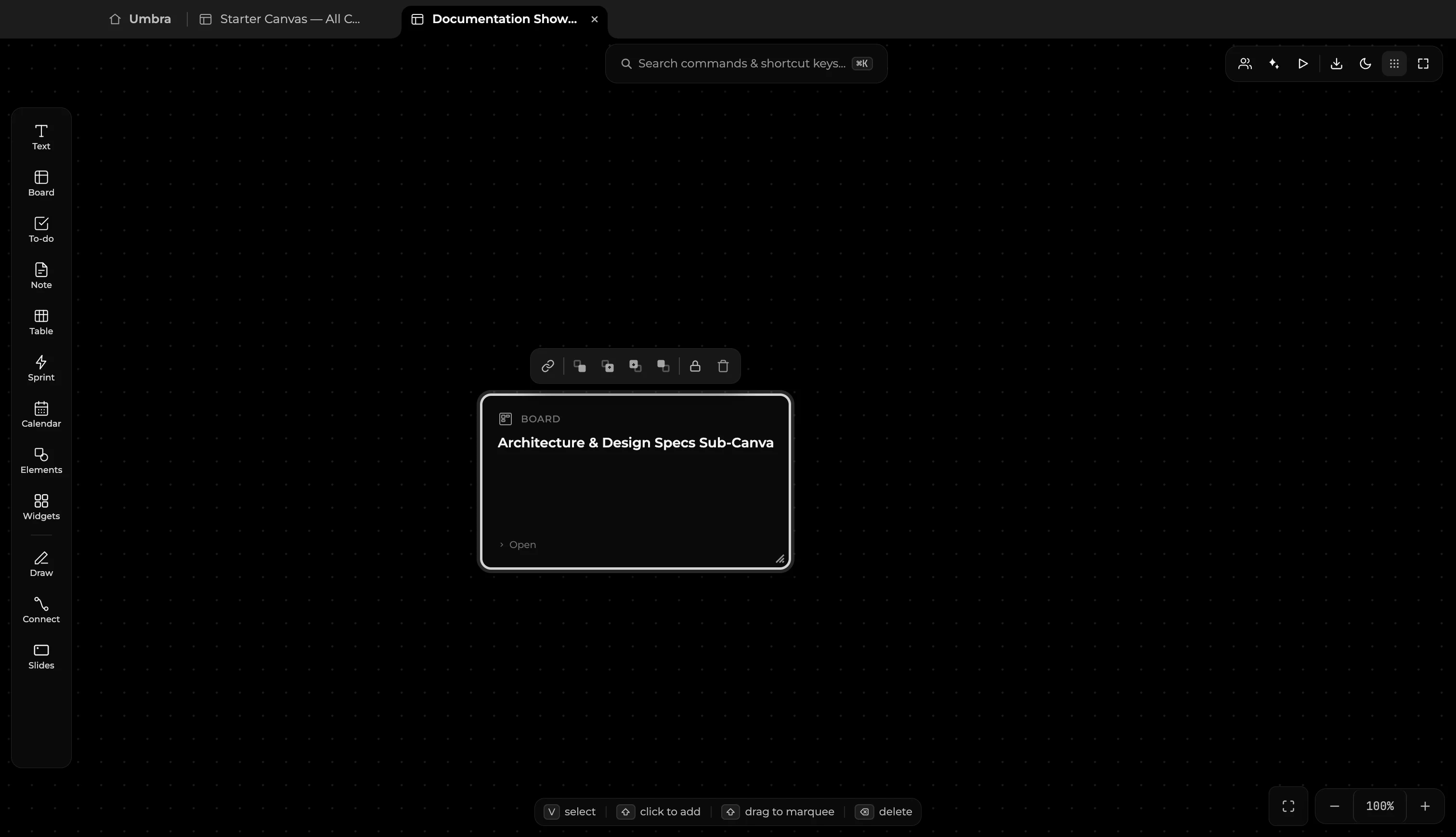
- Double-click a board card or click Open to enter it. The breadcrumb at the top-left walks back out:
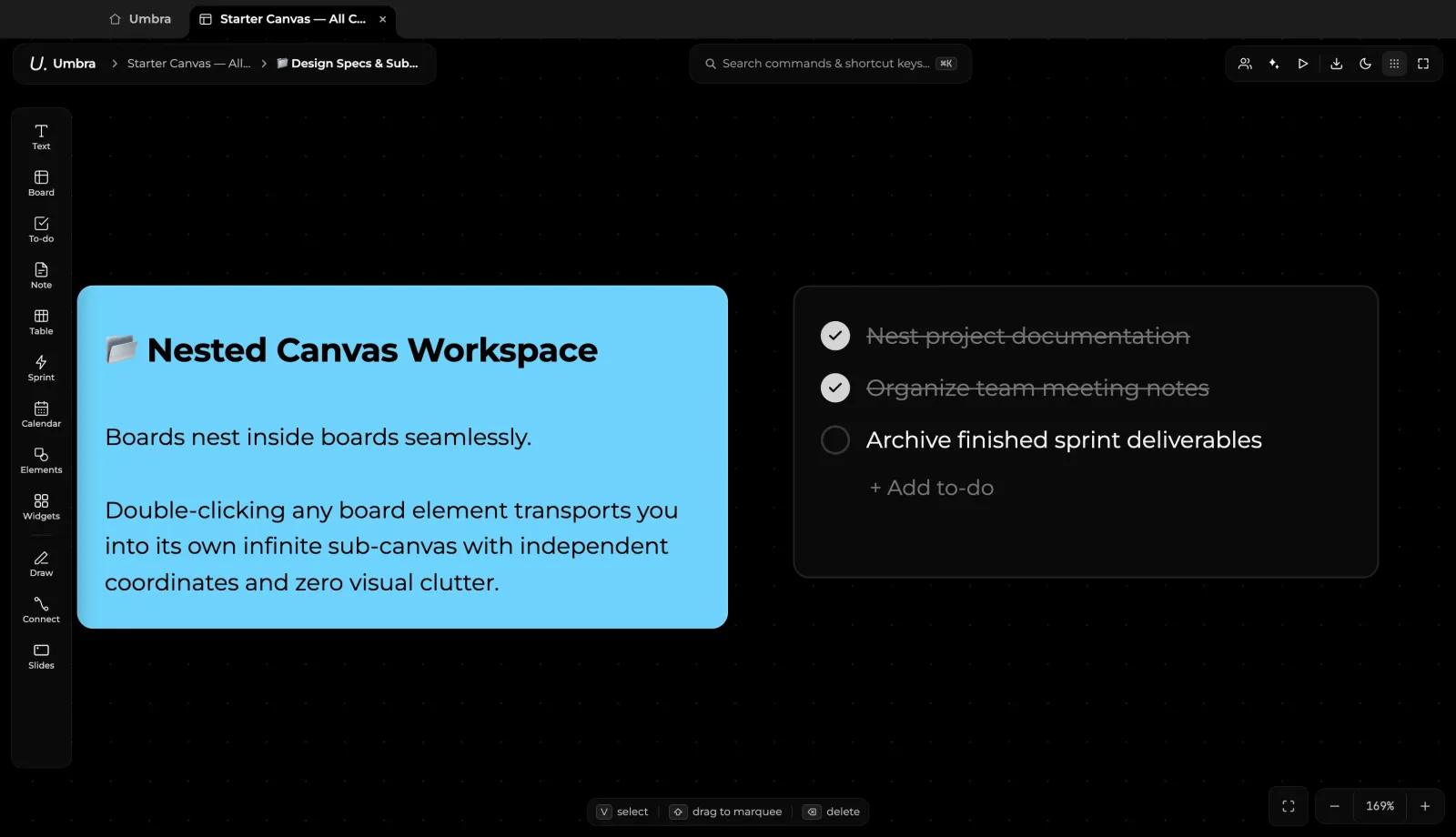
- Select anything and group into a board to fold a messy corner into one card.
- A board card shows a live preview of what is inside, so the parent canvas stays a map rather than a filing cabinet.
Nesting has no depth limit. In practice, a quarter usually wants two levels: a top-level canvas per initiative, and a board per workstream inside it.