Sync & Collaboration
Sync your boards across devices, collaborate over local Wi-Fi, or share via folders.
Umbra is built local-first: your boards live on your own device, work 100% offline, and sync seamlessly whenever you connect with other devices or teammates.
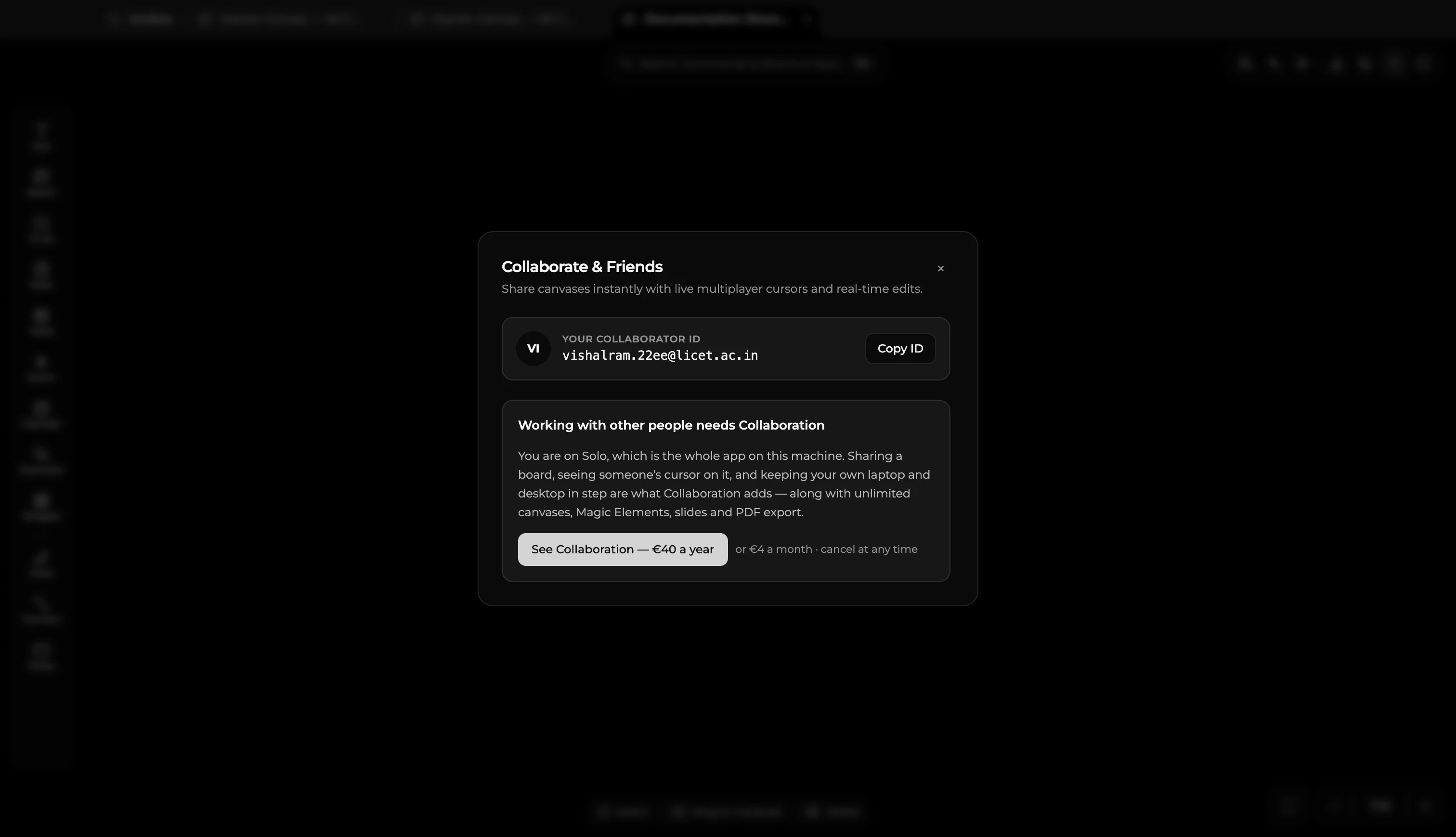
Shared Folder Sync
The simplest way to keep your boards in sync across multiple computers is to use a synced folder:
- In Umbra's settings, set your storage location to a folder managed by Google Drive, Dropbox, iCloud Drive, or Syncthing.
- Point your other machines to the same shared directory.
- Edits from each device sync automatically in the background.
Local Network Sync (Peer-to-Peer)
When collaborating in the same space or office:
- Umbra automatically discovers nearby teammates on the same local Wi-Fi or LAN.
- Changes sync directly between devices over your local network.
- No cloud account, external server, or active internet connection is required.
Team Collaboration Relay
When collaborating with remote teammates across different networks:
- Enable the Team Relay in the Collaboration settings.
- All board updates are end-to-end encrypted before leaving your computer, ensuring only your team can view or edit board contents.
Private Boards
Every board has a privacy toggle:
- Boards marked as Private stay strictly local to your specific device.
- Private boards never sync to shared folders or peer connections, making them ideal for personal scratchpads, private journals, or confidential drafts.
Working Offline
You never need an internet connection to use Umbra. Make edits, sketch diagrams, and organize tasks while offline—when you reconnect, your changes synchronize automatically with your other devices and collaborators without overwriting each other.