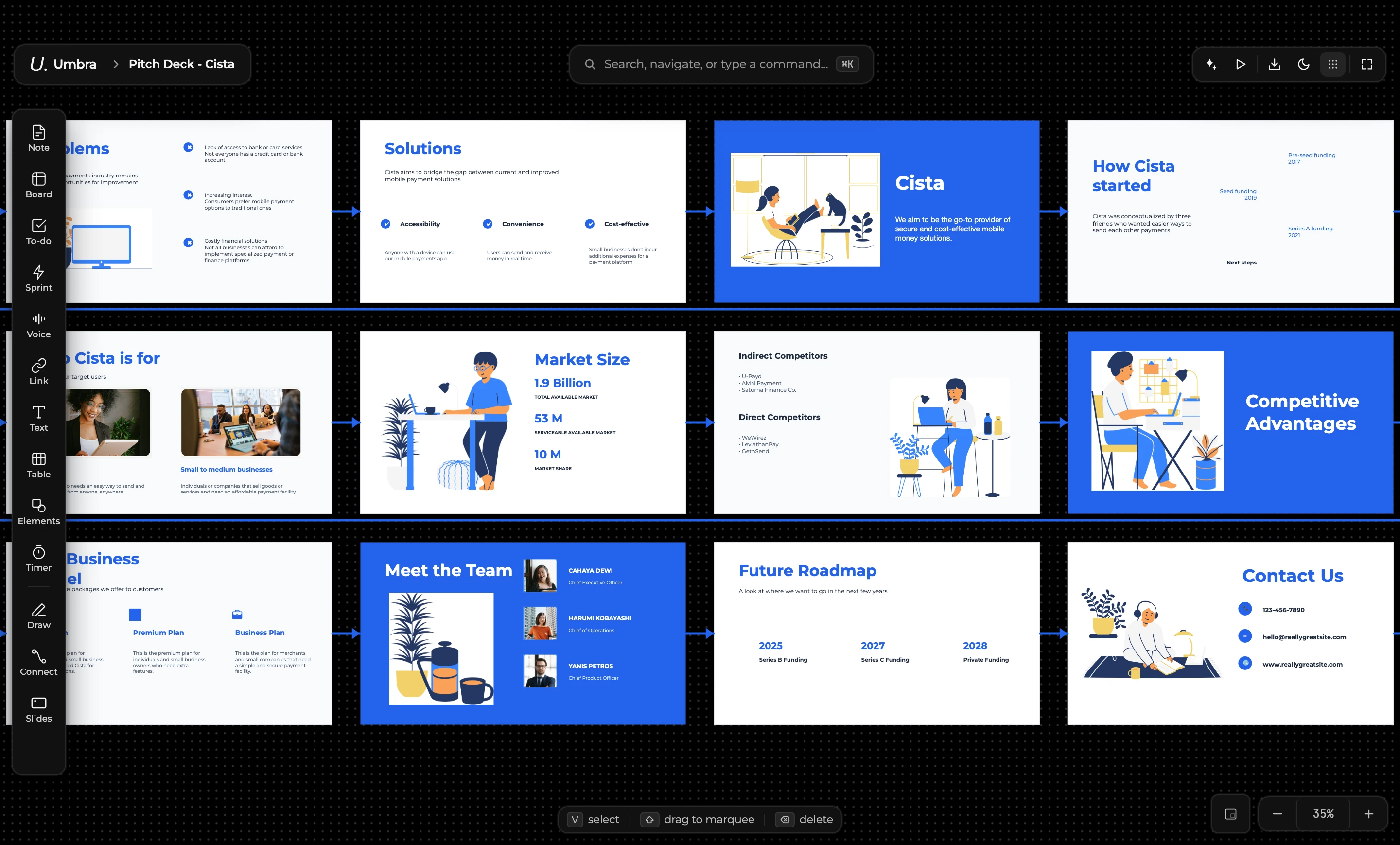
Think in one place.
Plan, write, calculate, read, present, journal and study without switching apps — free and offline.
For students, planners, engineers, researchers, writers, founders and more
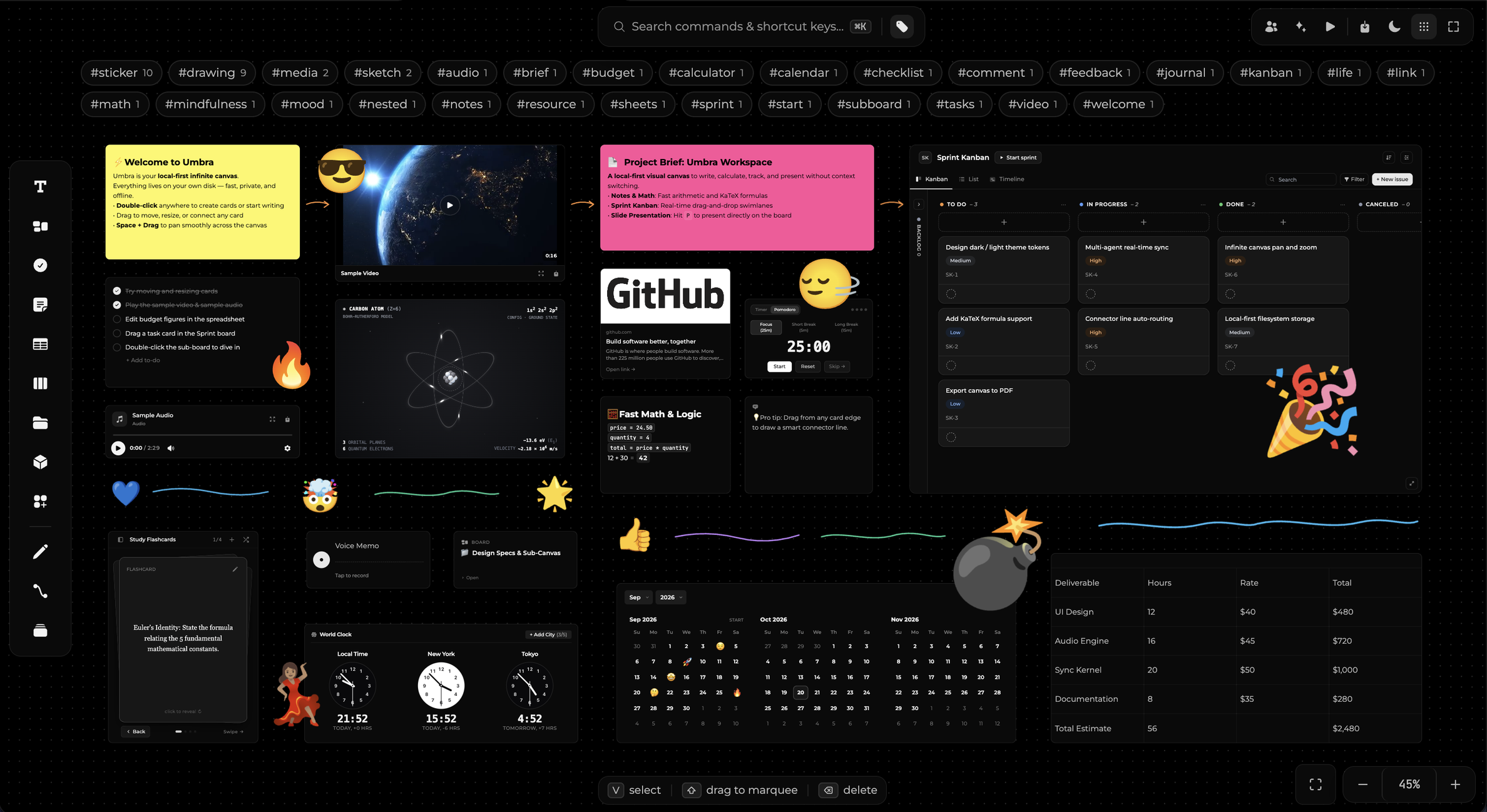
- Boards
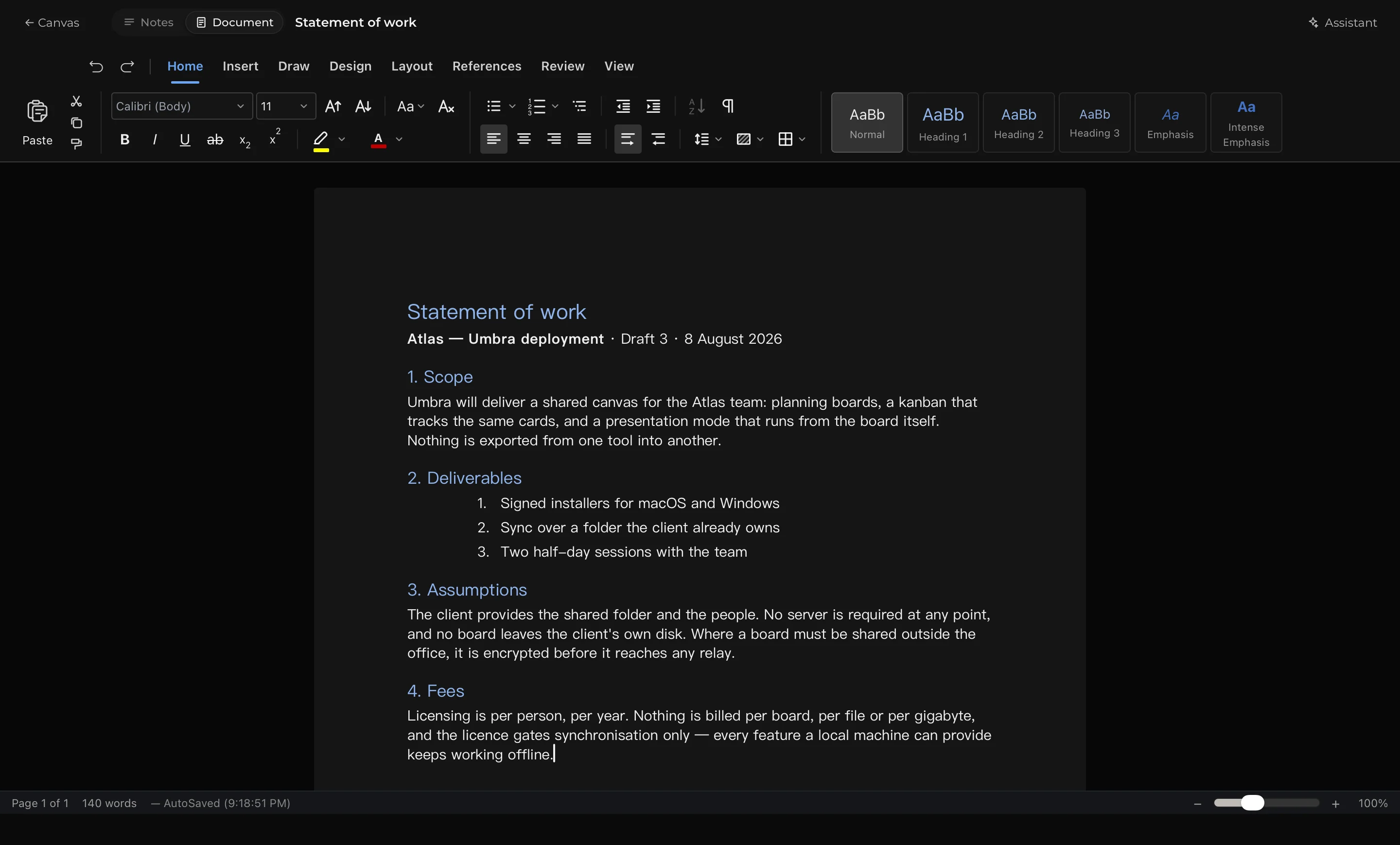
- Word docs
- Sheets
- Pro PDF
- Presentations
- Organised work
- Study notes
- AI hands-free
- 36Users
- 0+Features
- €0To use it, all in
- 0%Works offline
A block for every need
Thinking, planning, tracking, writing and presenting are the same activity split across half a dozen products that do not talk to each other. Umbra collapses them onto a canvas that lives on your own disk.
- Local before anything elseBoards are files in a folder you chose. Open the app on a plane and everything works, because nothing was ever fetched.
- Plan, track and present in one placeThe same canvas holds the thinking, the board that tracks it, and the deck you show it with. Nothing is exported between them.
- Your AI account, not oursAsk for a change in plain English and Umbra works through the assistant you already pay for. We never see a prompt or mark up a token.
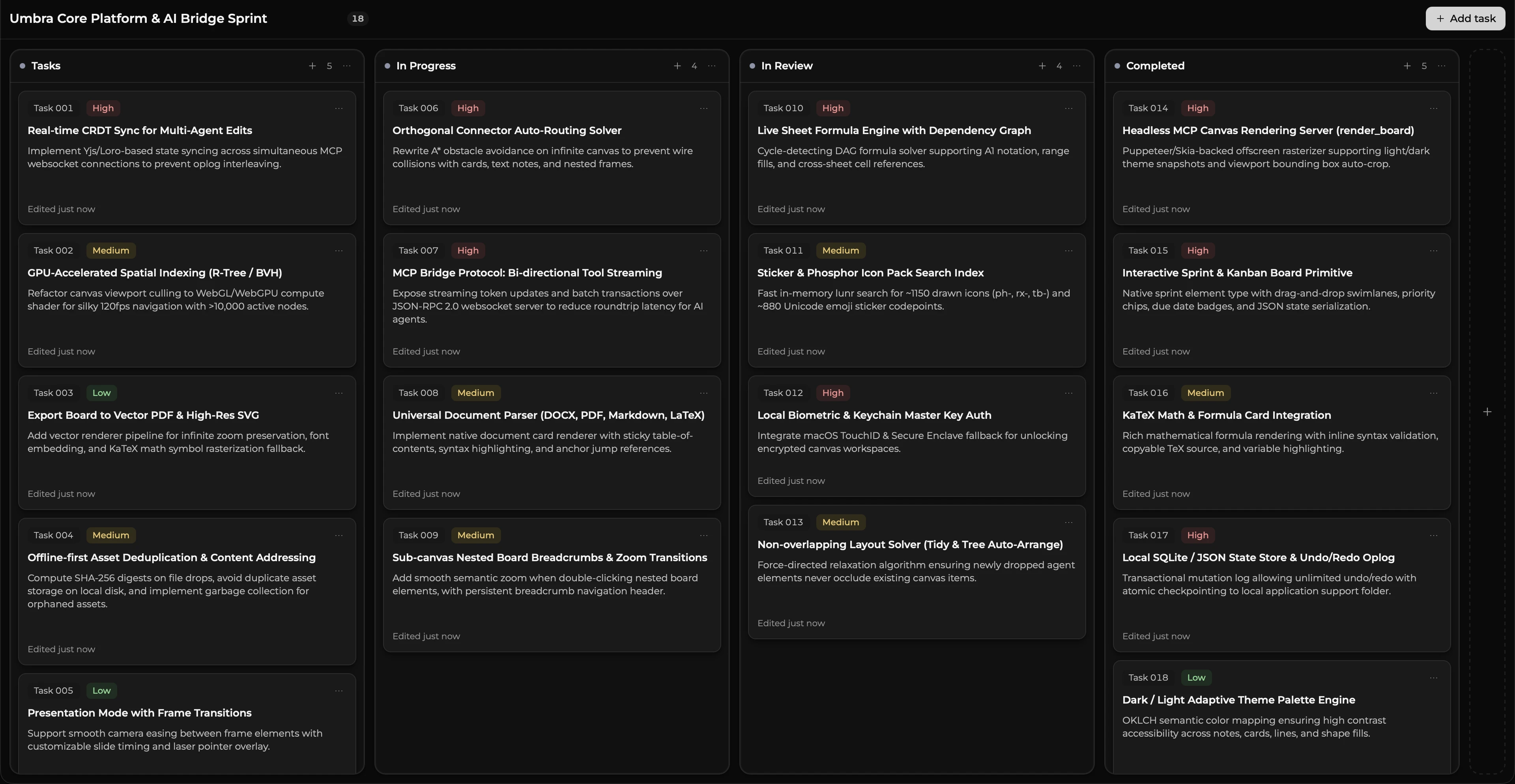
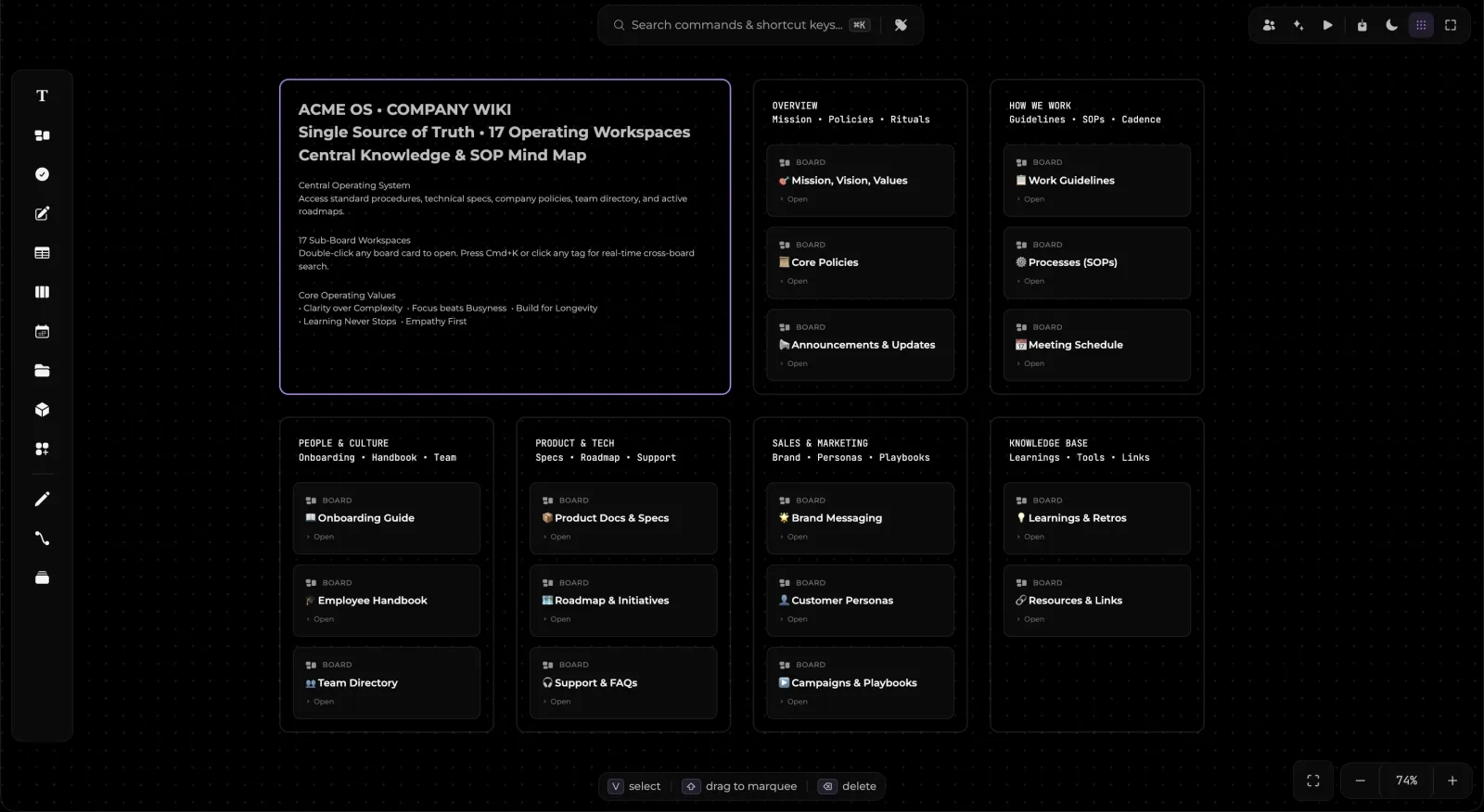
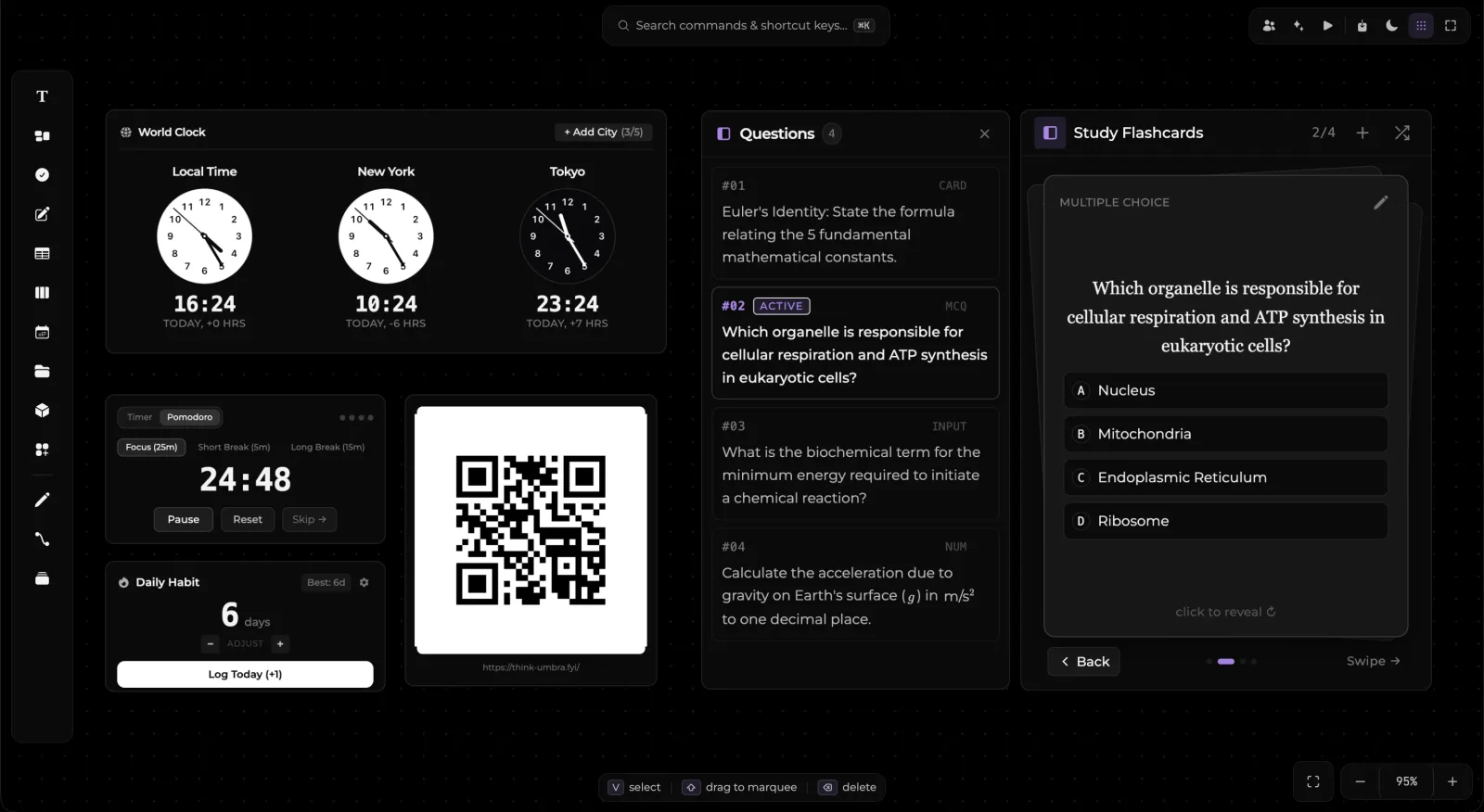
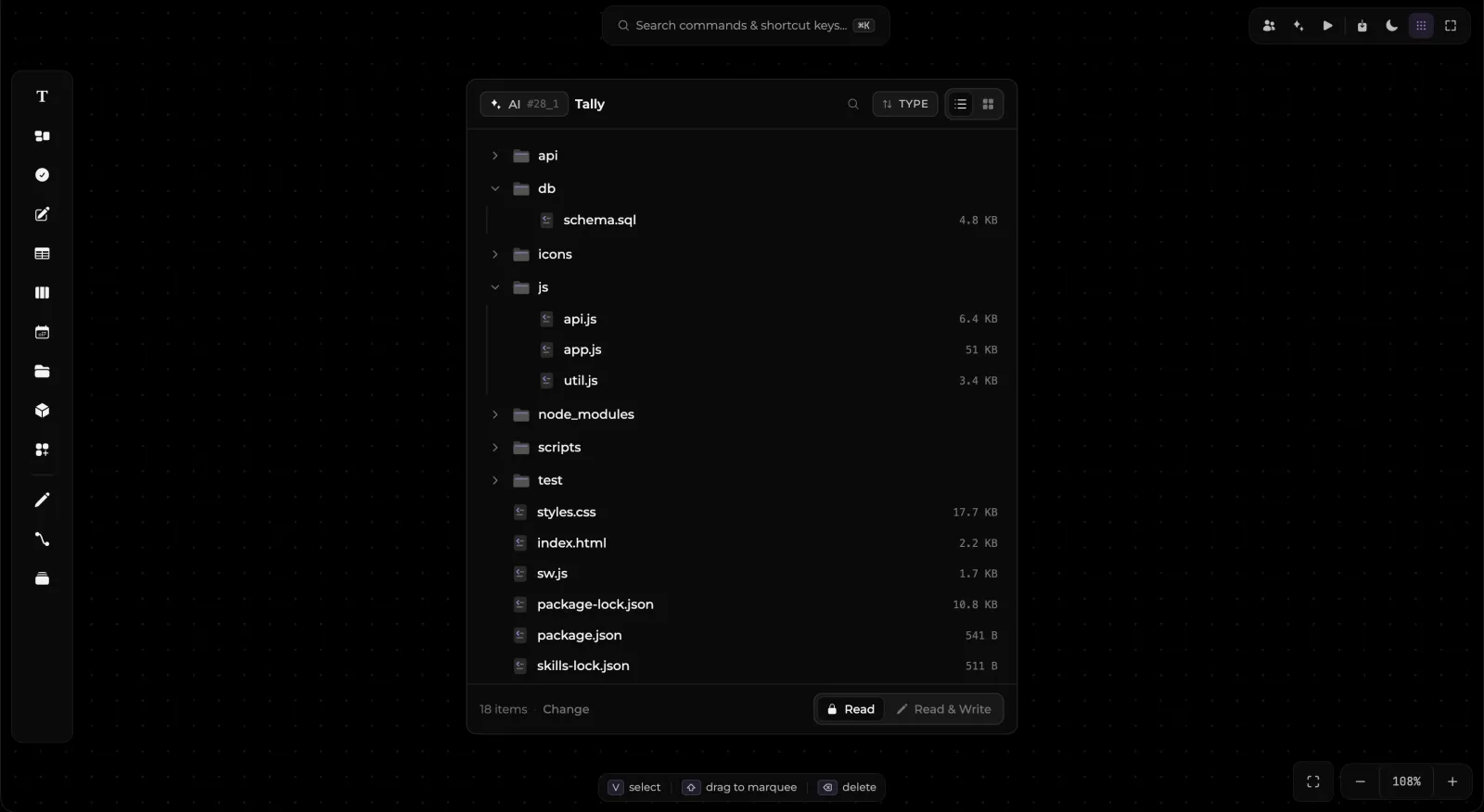
Many features, one canvas
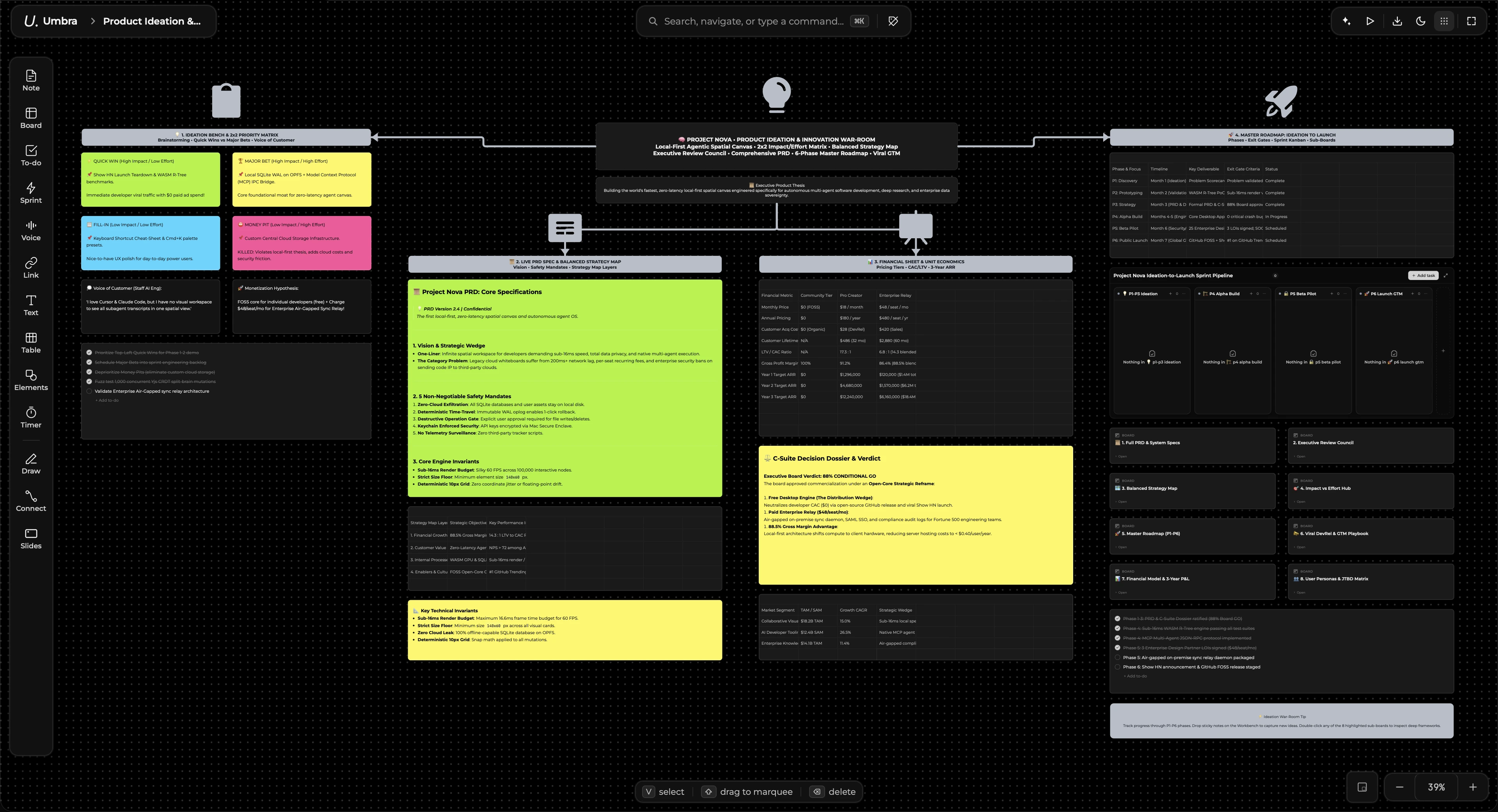
Priced like software, not like a seat
Ten tools’ worth of app, free on the machine you install it on. There is no per-seat AI cost, because you bring your own account. Solo is metered rather than crippled — every feature is there to use, a few of them have a ceiling, and one price lifts all of them.
- Infinite canvas — planning boards, mind maps, nested wikis
- Up to 10 canvases
- Kanban with work-in-progress limits and swimlanes
- Presentations drawn on the board — the first 3 slides of a canvas
- Word processor and spreadsheet, over real .docx and .xlsx
- PDF reader with highlights, comments and page editing
- Notes that compute, typeset formulas, voice notes
- One Magic Element per canvas
- The AI assistant — through the account you already pay for
- PNG export
- Back up to your own Google Drive
- Works fully offline, forever
- Everything in Solo, with every ceiling removed
- Unlimited canvases
- Unlimited Magic Elements, and present the whole deck
- PDF, .umbra and .umbrax export
- Calendar events, reminders and alarms that actually go off
- Your boards on any machine you sign in to, one at a time
- Shared boards with end-to-end encryption
- Private boards that never enter the sync set
- Live cursors and presence while two people are in
- Backup we host, restored from any machine
Nothing you have already made ever stops working. Slides, Magic Elements and calendars beyond a Solo ceiling stay on your boards, drawn and editable — they are simply not presented, not run, and not fired until Collaboration is active. The app keeps working offline whether or not it can reach us, and a lapsed subscription never costs you a board.
Start with one board and see how far it stretches
Open a blank canvas, drop in the notes you already have, and add the column, the document or the spreadsheet when you need it. Nothing has to be set up first, and nothing has to move between apps later.